

How to Process Creative Briefs Faster with AI Workflow Management
AI-powered workflow management accelerates creative brief processing by automating context retrieval, standardizing feedback loops, and linking project knowledge directly to active tasks. By integrating an AI operations partner into the workspace, media teams reduce manual handoffs and eliminate the time spent searching for scattered documents. This approach allows teams to move from initial concept to approved execution significantly faster.
The Cost of Context Fragmentation
Traditional media operations often suffer from disconnected tools where the brief lives in a document, feedback sits in a chat, and the latest version rests in a drive. This fragmentation forces producers to act as human routers, constantly asking for updates and chasing approvals. The result is a significant delay between the initial idea and the final execution. Creative brief processing is the phase where project requirements, brand guidelines, and creative direction are defined and distributed to the team. When this phase relies on manual coordination, teams lose valuable hours to administrative overhead rather than creative work.
The Hidden Time Sink
Consider a standard YouTube video production. The producer must gather brand assets, check regional guidelines, and confirm the target audience before assigning tasks. In a fragmented environment, this single step can take hours. Each tool switch introduces a risk of miscommunication or version control errors. The team spends more time managing the tools than creating the content.
The Role of the AI Operations Partner
Modern platforms like FridayHQ introduce an AI Operations Partner to bridge the gap between data and action. This AI assistant does not just generate content; it understands the operational context of the project. It works with the content, project knowledge, and discussions already present in the workspace. By asking simple questions, team members can retrieve complex information instantly. For example, a producer can ask, "What is holding up the launch?" and receive a summary of pending tasks and blockers.
Understanding vs. Generating
The distinction is critical. Generative AI creates new assets, while operational AI clarifies existing work. The latter helps teams identify bottlenecks and ensure that feedback is addressed. This shift allows the AI to act as a coordinator rather than just a creator. It reduces the cognitive load on human managers by handling the routine checks and status updates.
Automating the Review Cycle
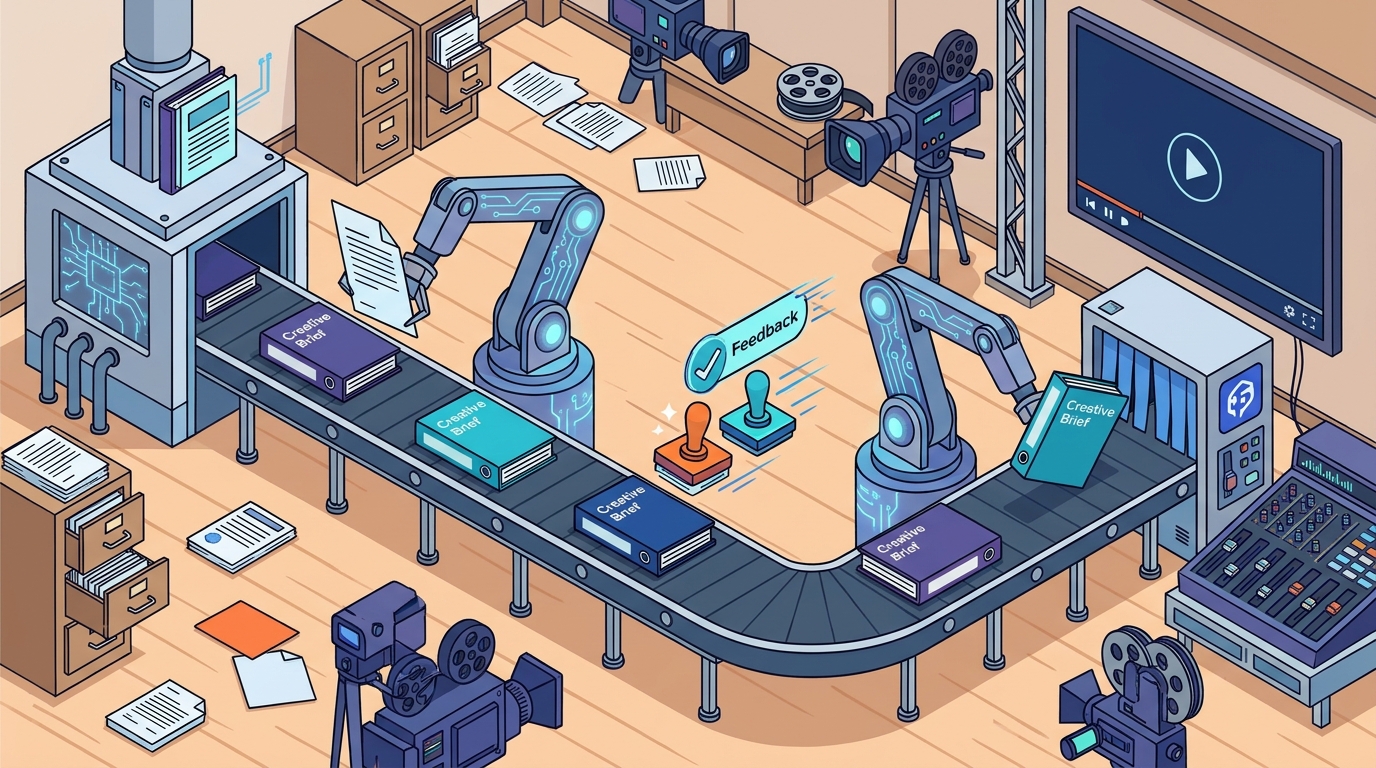
Feedback is often the slowest part of the creative process. In traditional workflows, comments are scattered across emails and chat apps, making it difficult to track what has been resolved. AI-powered workflow management attaches feedback directly to the specific frame or region of the media file. The AI can then check whether a new version addresses earlier notes. This automated verification ensures that no comment is lost or ignored. It creates a clear audit trail of decisions and approvals.
Frame-Specific Precision
Imagine a client reviewing a video cut. Instead of writing "the intro feels off," they can annotate the specific second where the pacing is wrong. The AI tracks this annotation and flags it for the editor. When the editor uploads version two, the AI compares it against the previous version and the client's note. This precision eliminates the back-and-forth that typically delays approvals by days.
Building a Project Knowledge Base
For AI to be effective, it needs access to accurate, up-to-date information. A project knowledge base is a centralized repository of briefs, brand requirements, and regional guidelines. In a unified workspace, this knowledge is linked directly to the active project. The AI can reference these documents when answering questions or checking compliance. This ensures that every team member, and the AI itself, works from the same source of truth. It prevents the common error of using outdated brand assets or incorrect tone guidelines.
Contextual Awareness
A strong YouTube episode and a strong Instagram Reel can start with the same footage but require very different creative decisions. The AI understands these platform-specific requirements when they are stored in the project knowledge base. It can remind the team that the Reel needs a vertical crop and a specific caption style, while the YouTube video requires a detailed description. This contextual awareness speeds up the adaptation process across platforms.
Implementing AI in Media Operations
Adopting AI-powered workflow management requires a shift in how teams structure their work. The first step is consolidating tools. Teams should move from six or seven disconnected apps to a single platform that handles chat, tasks, storage, and review. This consolidation provides the AI with a complete view of the project. The second step is documenting knowledge. Teams must take the time to input brand guidelines and project briefs into the workspace. The more context the AI has, the more useful its responses become.
Measuring Impact
Teams should track metrics such as time-to-approval and number of revision cycles. By comparing these metrics before and after implementation, they can quantify the efficiency gains. Most teams see a reduction in administrative time within the first month. This data helps justify the investment and identifies areas for further optimization.
Key Takeaways
- Fragmented tools are the primary cause of delays in creative brief processing.
- An AI Operations Partner accelerates work by understanding project context, not just generating content.
- Attaching feedback to specific media frames ensures that revisions address client notes directly.
- A centralized project knowledge base allows AI to enforce brand and platform guidelines automatically.
- Consolidating communication, tasks, and storage into one workspace is a prerequisite for effective AI integration.
- Teams should measure time-to-approval to quantify the efficiency gains from AI workflow management.
Frequently Asked Questions
Does AI replace human creative judgment?
No. AI handles operational tasks like status updates, feedback tracking, and compliance checks. Human teams retain full control over creative decisions, strategy, and final approvals. The AI acts as a partner that removes administrative friction.
How does AI handle version control?
The AI tracks every version of a media file and links it to the associated feedback. It can compare versions to verify that specific comments have been addressed. This creates a clear history of changes and approvals.
Is it difficult to set up an AI workflow?
Setup requires consolidating tools and inputting project knowledge. Once the data is in a unified workspace, the AI can begin assisting immediately. The initial effort pays off in reduced time spent searching for information.
Can AI work with multiple platforms?
Yes. The AI understands platform-specific requirements when they are stored in the project knowledge base. It can help adapt content for different formats, such as YouTube, Instagram, and TikTok, by applying the correct guidelines.
What is the difference between generative AI and operational AI?
Generative AI creates new content, such as images or text. Operational AI manages the workflow, tracking tasks, feedback, and project status. Both can be useful, but operational AI is key to speeding up the processing of existing briefs.
How do I know if my team is ready for AI?
If your team spends significant time searching for files, chasing updates, or coordinating across multiple tools, you are ready. The more fragmented your current workflow, the greater the potential benefit from consolidation and AI assistance.
Conclusion
Accelerating creative brief processing is not about working harder; it is about working with better systems. By integrating an AI Operations Partner into a unified workspace, media teams can eliminate the administrative drag that slows down production. FridayHQ provides the infrastructure for this shift, connecting people, projects, and knowledge in one place. To see how this works in practice, book a demo and explore how your team can move from idea to execution faster.