

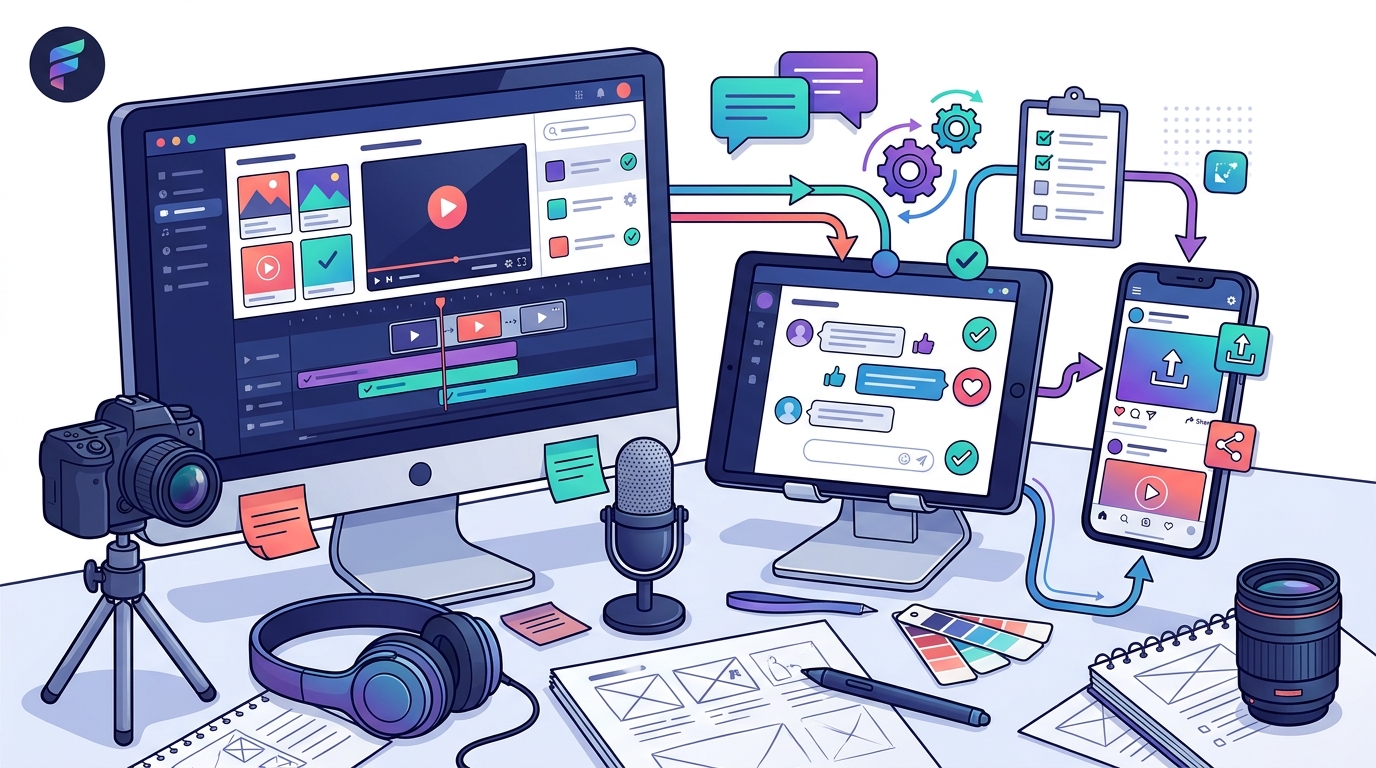
Modern media teams operate in fragmented digital environments where content creation, review, and publishing happen on different screens. Effective collaboration requires a unified approach that connects desktop planning with mobile execution. FridayHQ addresses this by providing a single workspace where every step of the social content lifecycle remains visible and accessible from any device.
1. Centralize Conversations Around Specific Assets
Keep feedback attached to the work, not scattered in general chat. General messaging apps often bury critical content notes in endless text streams. By linking discussions directly to specific media files, teams ensure that comments about a video cut or image caption stay with the asset. This context preservation allows any team member to pick up the work on a mobile device and immediately understand the current state of the review.
2. Use Frame-Specific Annotations for Visual Review
Point to the exact moment or area that needs attention. Text descriptions of visual issues are often ambiguous and lead to revision cycles. Frame-specific comments and region annotations allow reviewers to mark precise timestamps or image areas. This precision is crucial for cross-device workflows, as it ensures that an editor on a desktop and a producer on a tablet are looking at the exact same visual element.
3. Standardize Workflow Tags for Status Visibility
Create a shared language for where the work stands. Without clear status indicators, teams waste time asking if a piece is approved or still in progress. Custom workflow tags, such as "Client Approved" or "Ready to Publish," provide instant visual cues. These tags sync across all devices, giving remote team members immediate clarity on which assets require their attention next.
4. Integrate Project Knowledge Bases with Active Work
Keep briefs and brand guidelines close to the content they guide. Searching for brand voice documents or delivery checklists in separate file systems breaks creative flow. By storing project knowledge alongside the active content, teams ensure that every creator has access to the necessary context. This integration is particularly useful for mobile users who may not have access to a full desktop file structure.
5. Assign Clear Ownership to Every Task
Eliminate ambiguity about who is responsible for the next step. Collaborative work often stalls when no single person owns a specific action. Assigning tasks with clear owners and due dates ensures accountability. When tasks are linked to specific content pieces, the responsible party can see exactly what needs to be done, regardless of whether they are working from a laptop or a smartphone.
6. Leverage AI for Contextual Assistance
Use intelligent tools to reduce operational friction. AI partners can help teams catch up on project status, clarify briefs, or suggest next steps. By integrating AI directly into the workspace, teams can ask questions about the work without leaving their current context. This capability is especially valuable for cross-device collaboration, as it provides consistent answers whether the user is on a desktop or a mobile app.
7. Publish and Schedule from a Unified Calendar
See what is going out and when, in one view. Managing publishing schedules across multiple platforms and devices is complex. A unified calendar that displays scheduled posts alongside task deadlines helps teams coordinate their efforts. This visibility ensures that approved content moves smoothly from review to publication, with minimal handoff errors.
Choosing the Right Approach
When selecting collaboration methods, prioritize tools that keep context, conversation, and action connected. The best approach is one that reduces the distance between an idea and its execution, allowing teams to spend less time navigating systems and more time creating. FridayHQ features are designed to support this unified workflow, ensuring that media teams can collaborate effectively across any device.
Frequently Asked Questions
Why is cross-device collaboration important for media teams?
Cross-device collaboration is important because media work often happens in different environments, from studio desktops to field smartphones. A unified platform ensures that context and progress are preserved regardless of the device used, preventing information loss and delays.
How do frame-specific comments improve review processes?
Frame-specific comments improve review processes by allowing reviewers to point to exact moments or areas in visual content. This precision reduces ambiguity and ensures that editors understand exactly what changes are needed, speeding up the approval cycle.
Can I use workflow tags on mobile devices?
Yes, workflow tags are synchronized across all devices. This means that status updates made on a desktop are immediately visible on mobile devices, keeping the entire team aligned on the progress of each asset.
How does AI assist in cross-device collaboration?
AI assists by providing contextual answers and summaries of project status. It can help users catch up on recent changes or clarify briefs, ensuring that team members have the necessary information to proceed, whether they are on a desktop or a mobile device.
What is the benefit of linking tasks to specific content?
Linking tasks to specific content ensures that every action has a clear owner and context. This connection allows team members to see exactly what work is required for a particular asset, reducing the need for back-and-forth communication to clarify instructions.