

7 Best Practices for Setting Up Approval Workflows in Creative Operations
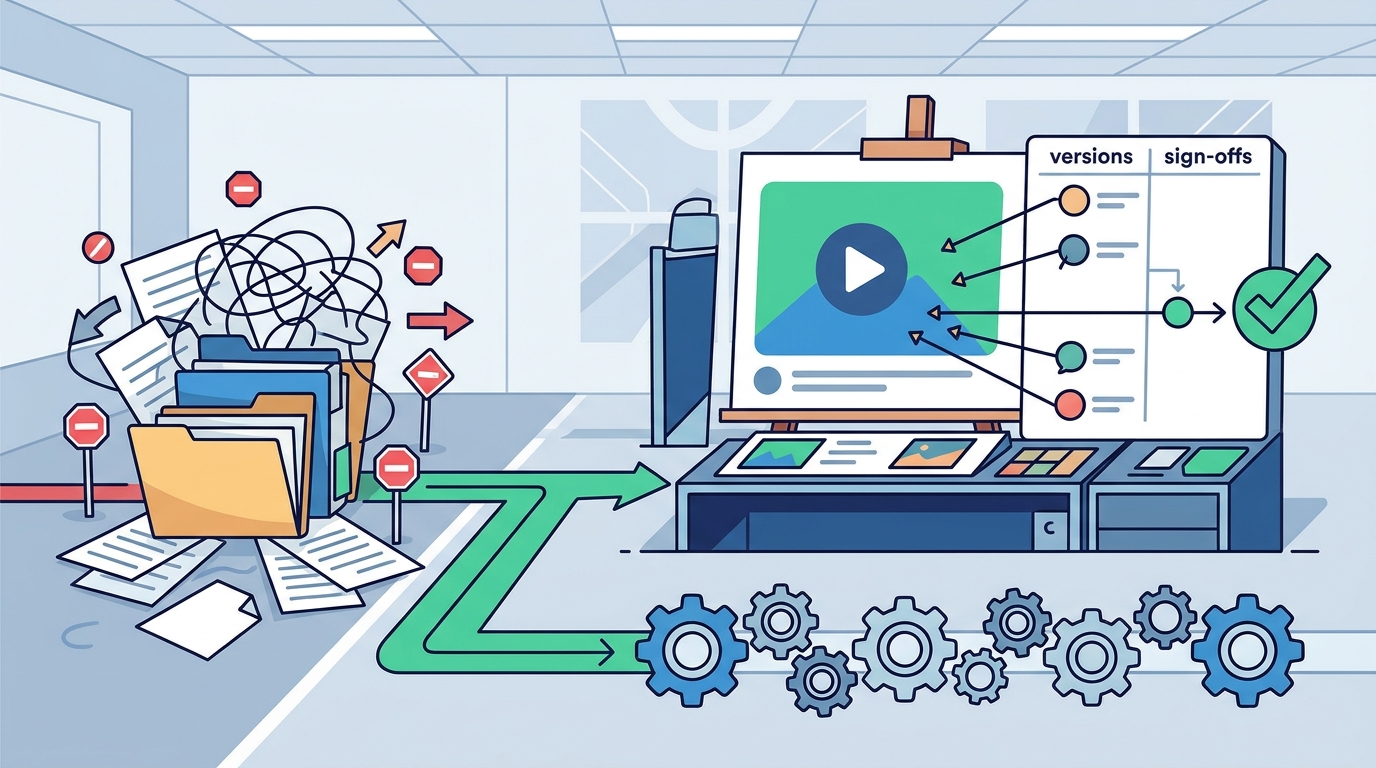
Approval bottlenecks are the primary reason creative projects stall before launch. When feedback is scattered across email threads and chat apps, teams lose track of who signed off on what. FridayHQ addresses this by centralizing the review process, ensuring that every version, comment, and decision remains attached to the actual content. This approach reduces the administrative overhead of chasing updates and allows media teams to focus on the creative work itself.
1. Define Clear Approval Stages
Establish a shared language for where the work stands. Teams often struggle because they lack a standardized way to track progress. By creating distinct workflow tags such as "Draft," "In Review," and "Approved," you give every team member a clear view of the project status. This shared vocabulary eliminates ambiguity and ensures that stakeholders know exactly what to expect at each phase of the production cycle.
2. Attach Feedback Directly to Content
Keep comments and decisions alongside the media they affect. Generic feedback in a chat window is often misinterpreted or lost. Frame-specific comments and region annotations allow reviewers to point to the exact moment or area that needs attention. This precision reduces the number of revision cycles and ensures that editors understand the intent behind every note without needing to ask for clarification.
3. Assign Explicit Ownership
Make it clear who is responsible for the next step. Ambiguity in ownership is a major source of delay. Every task and review request should have a designated owner with a clear due date. When responsibilities are explicitly assigned, team members know exactly what is expected of them, which prevents work from falling through the cracks during handoffs between departments.
4. Integrate Client Access Securely
Bring external stakeholders into the review process without compromising security. Managing client feedback through email attachments creates version control nightmares. Secure share links allow clients to view and comment on the latest version directly within the platform. This keeps the context of the feedback attached to the work and ensures that internal teams can see exactly what the client has approved or rejected.
5. Leverage AI for Contextual Review
Use AI to identify issues before human review. AI operations partners can scan content for brand compliance, caption accuracy, and visual consistency. By automating the initial check for common errors, teams can reserve their human review time for high-level creative decisions. This hybrid approach speeds up the approval process while maintaining high quality standards.
6. Centralize Project Knowledge
Keep briefs and brand guidelines close to the work. Reviewers often make decisions based on incomplete information. Storing project briefs, brand requirements, and regional guidelines in a centralized knowledge base ensures that everyone is reviewing against the same standards. This context reduces the likelihood of subjective feedback that contradicts the original creative direction.
7. Maintain a Single Source of Truth
Consolidate all operational data in one workspace. Disconnected tools lead to fragmented information and conflicting versions of the truth. A unified platform ensures that tasks, conversations, and content are all linked together. This consolidation allows teams to see the full picture of a project, from the initial brief to the final approved asset, without switching between multiple applications.
Choosing the Right Workflow Structure
The best approval workflow is one that matches your team's specific operational needs. Small teams may benefit from a simple two-stage process, while larger organizations might require multi-layered sign-offs. The key is to start with clarity, ensure every step has an owner, and keep all context attached to the content. By implementing these practices, media teams can reduce friction and accelerate the path from idea to execution.
Frequently Asked Questions
How do I prevent approval bottlenecks in my creative team?
To prevent bottlenecks, assign explicit owners to every review stage and set clear due dates. Use workflow tags to visualize where content is stuck, and ensure that feedback is attached directly to the media so reviewers can act quickly without needing to search for context.
Can clients approve content directly in the platform?
Yes, you can invite clients to review content using secure share links. This allows them to view the latest version and leave comments directly on the media. The feedback remains attached to the content, ensuring that your internal team has a clear record of the client's decisions.
What is the role of AI in the approval process?
AI can assist by performing initial checks for brand compliance and content accuracy. It can also help summarize feedback or identify potential issues before human review. This allows human reviewers to focus on creative judgment rather than administrative tasks.
How do I manage multiple versions of the same asset?
Use a versioning system that keeps track of all revisions and their approval states. Each version should have a clear status, such as "Pending" or "Approved." This ensures that everyone is reviewing the correct version and that the final approved asset is easily identifiable.
Is it better to use a dedicated tool or a general project management app?
A dedicated media operations platform is often better because it is designed specifically for creative workflows. It includes features like frame-specific comments and media storage that general project management tools may lack. This specialization reduces the need for workarounds and keeps the entire process in one place.