

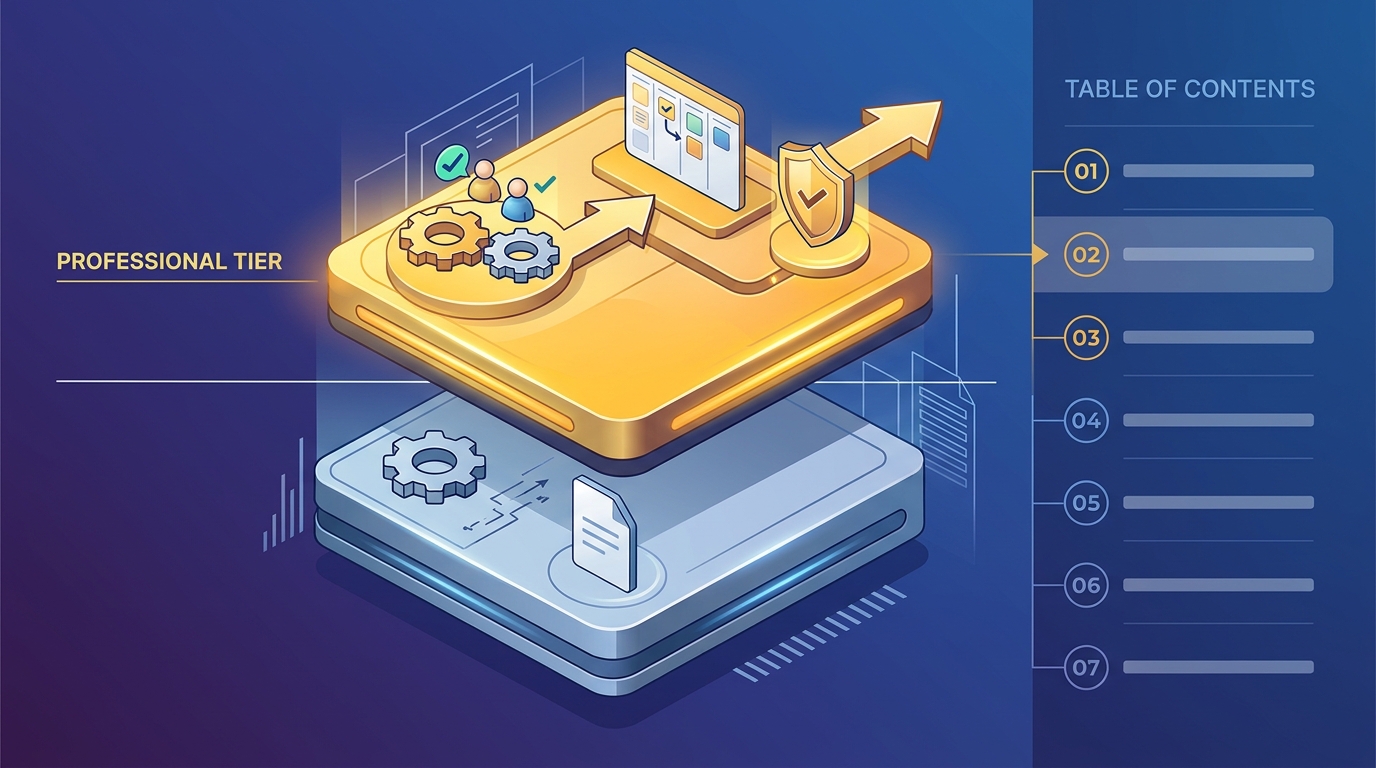
Professional tier pricing for content review platforms typically unlocks advanced collaboration tools that standard plans lack. These features are designed to streamline the approval process and reduce the friction between creative teams and stakeholders. By understanding what these tiers offer, media organizations can make informed decisions about their operational software.
1. Frame-Specific Feedback and Annotations
Professional plans enable precise feedback directly on media assets. Standard tools often rely on generic comments that lack context. Professional tiers allow users to attach notes to specific moments in a video or point to exact regions in an image. This precision ensures that editors and designers understand exactly what needs changing without back-and-forth clarification.
2. Version Control and Approval States
Advanced tracking of creative revisions is a hallmark of professional pricing. Content review is a version-heavy process where clarity is critical. These plans provide robust version history and distinct approval states for each platform. Teams can see the current status of every asset, from draft to final sign-off, ensuring that the right version is always the one being reviewed.
3. Integrated Task Management and Ownership
Professional tiers connect feedback directly to actionable tasks. In many workflows, a comment leads to a new task. Professional plans allow users to convert feedback into tasks with clear owners and due dates. This integration ensures that the conversation stays attached to the work, providing a clear path from review to execution.
4. AI-Powered Operational Assistance
5. Centralized Project Knowledge Bases
Professional plans provide a dedicated space for project context. Keeping briefs, brand guidelines, and regional requirements close to the work is essential for consistency. These tiers offer knowledge bases where teams can store reference files and text notes. This ensures that every team member and AI assistant has access to the same source of truth.
6. Secure Client Access and Sharing
Professional pricing includes controlled access for external stakeholders. Bringing clients into the review process requires security and flexibility. These plans offer public share links that are email-gated, ensuring only invited people can view the content. Teams can control resharing, set expiry dates, and revoke access when the collaboration is complete.
7. Unified Communication and Huddles
Professional tiers consolidate chat and live conversations in one place. Disconnected tools often lead to scattered conversations. Professional plans integrate direct messages, public topics, and live huddles directly with the content. This unification allows teams to move from written discussion to live conversation without leaving the workspace, keeping all context in one location.
Choosing the Right Professional Features
When evaluating professional tier pricing, prioritize features that solve your team's specific bottlenecks. If your team struggles with version confusion, focus on approval states. If feedback is often unclear, look for frame-specific annotations. The right combination of these features will reduce operational overhead and allow your team to focus on creating great work.
Frequently Asked Questions
What is the main difference between free and professional content review plans?
Professional plans typically offer advanced version control, AI assistance, and secure client access, which are often limited or absent in free tiers.
Do professional plans include AI features for content review?
Yes, many professional tiers include AI partners that can provide creative feedback and help coordinate tasks within the workspace.
How does professional pricing handle client access?
Professional plans usually provide secure, email-gated share links that allow teams to control who can view and comment on their content.
Can professional plans integrate with existing project management tools?
While some platforms offer integrations, professional tiers often provide native task management to keep feedback and work in one place.
What is the benefit of frame-specific feedback in professional plans?
It allows reviewers to point to exact moments in a video or regions in an image, reducing ambiguity and speeding up the approval process.