

7 Ways to Organize and Maximize Your Media Team's Cloud Storage Space
Media teams often struggle with scattered files and unclear version histories. FridayHQ provides a unified workspace that connects storage with project context and team communication. This approach helps teams find the right assets faster and reduces the time spent searching for approved content.
1. Centralize Assets in a Single Workspace
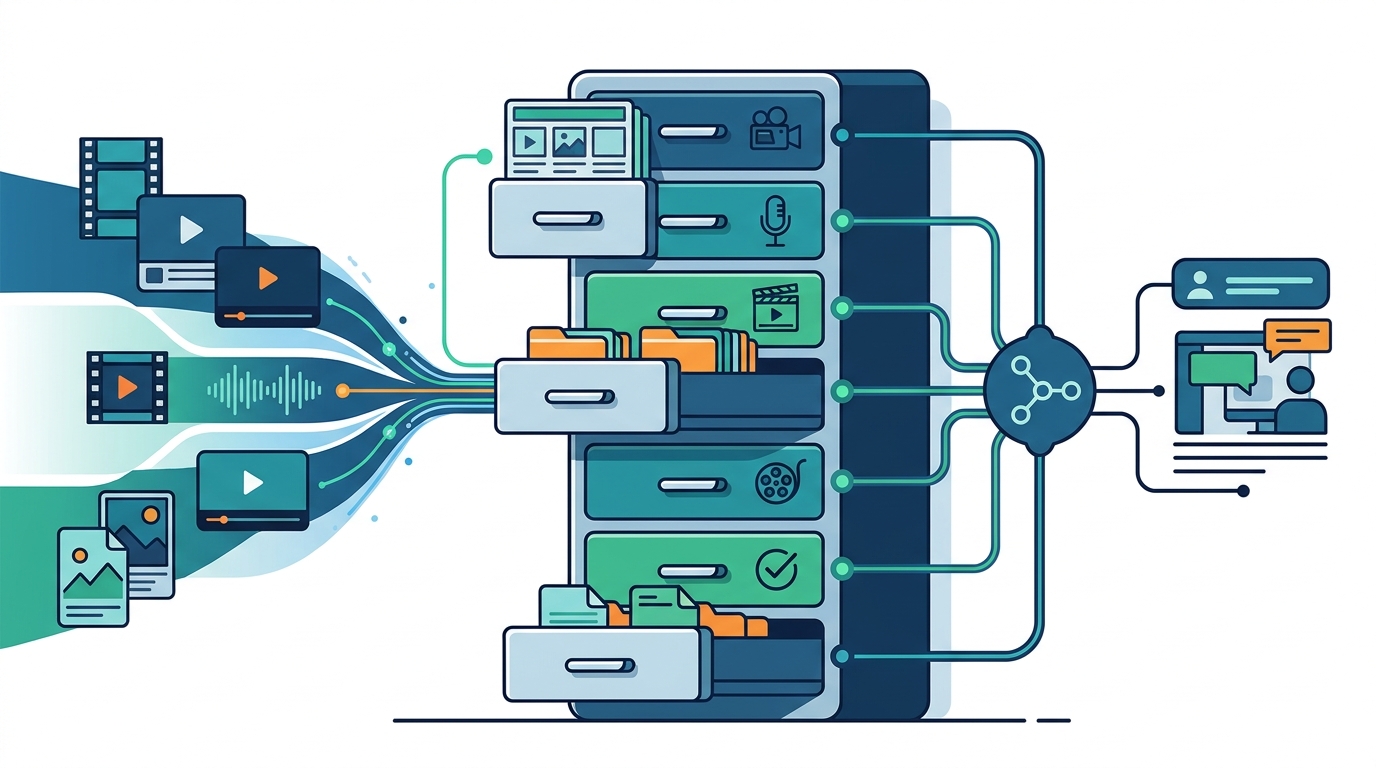
Keep all creative files in one connected location to eliminate scattered drives. Storage is a shared home for files that delivers them quickly to teams around the world. When files live in separate tools, teams waste time hunting for the latest version. FridayHQ brings storage closer to the work, ensuring that the file and the conversation about it exist in the same place.
2. Link Files to Project Knowledge
Attach briefs and guidelines directly to the assets they govern. Project knowledge is the context behind decisions, including brand requirements and regional guidelines. By keeping this information close to the work, teams avoid guessing what is approved. This connection helps new members understand the history of a file without asking for explanations.
3. Use Clear Naming Conventions
Standardize file names to make searching and sorting effortless. A consistent naming system is a set of rules for labeling files with dates, versions, and project codes. Without these rules, storage becomes a cluttered archive that is hard to navigate. Clear names allow team members to identify the correct asset at a glance, reducing errors during production.
4. Leverage Global CDN Delivery
Use a global content delivery network to ensure fast access for remote teams. A content delivery network is a system of servers that distributes files from locations close to the user. This infrastructure ensures that large media files load quickly, regardless of where the team member is located. Fast delivery supports smooth collaboration for distributed media teams working across different time zones.
5. Manage Versions and Approvals
Track revision states to know exactly which file is ready for release. Version control is the process of managing changes to creative content over time. By keeping feedback and approval states beside the content, teams can see which platform is ready and which still needs work. This clarity prevents the common mistake of publishing an outdated draft.
6. Control Access with Roles
Define who can view, edit, or approve specific files to protect sensitive work. Access control is a security feature that manages who can enter a workspace and what they can do. By setting clear permissions, leaders ensure that clients and stakeholders see only what is appropriate for their role. This structure maintains order and protects intellectual property within the team.
7. Automate Handoffs with AI
Use AI to identify bottlenecks and organize remaining changes. Xander is an AI Operations Partner that understands the work happening across your organization. It can help teams find answers, identify bottlenecks, and keep work moving by analyzing project context. This automation reduces the manual effort required to coordinate storage and task updates.
Choosing the Right Approach
Select the strategy that addresses your team's biggest friction point. If your team struggles with finding files, start with centralization and naming conventions. If you face approval delays, focus on version control and AI-assisted coordination. A balanced approach combines these elements to create a storage system that supports the entire creative workflow.
Frequently Asked Questions
How does FridayHQ handle file storage?
FridayHQ provides a shared home for files with global CDN delivery. This ensures that creative assets are stored reliably and delivered quickly to teams around the world.
Can I control who sees specific files?
Yes. FridayHQ includes access control features that allow you to manage your team and control who can access your workspace and creative work.
Does the platform support remote teams?
Yes. The platform is designed for distributed teams, using global CDN delivery to ensure fast access to files regardless of location.
How does AI help with storage organization?
Xander, the AI Operations Partner, works with your content and project knowledge to help the team understand what is happening and what comes next.
Is there a free trial available?
Yes. The Team plan includes a 7-day free trial. Your first seat needs no credit card to get started.